
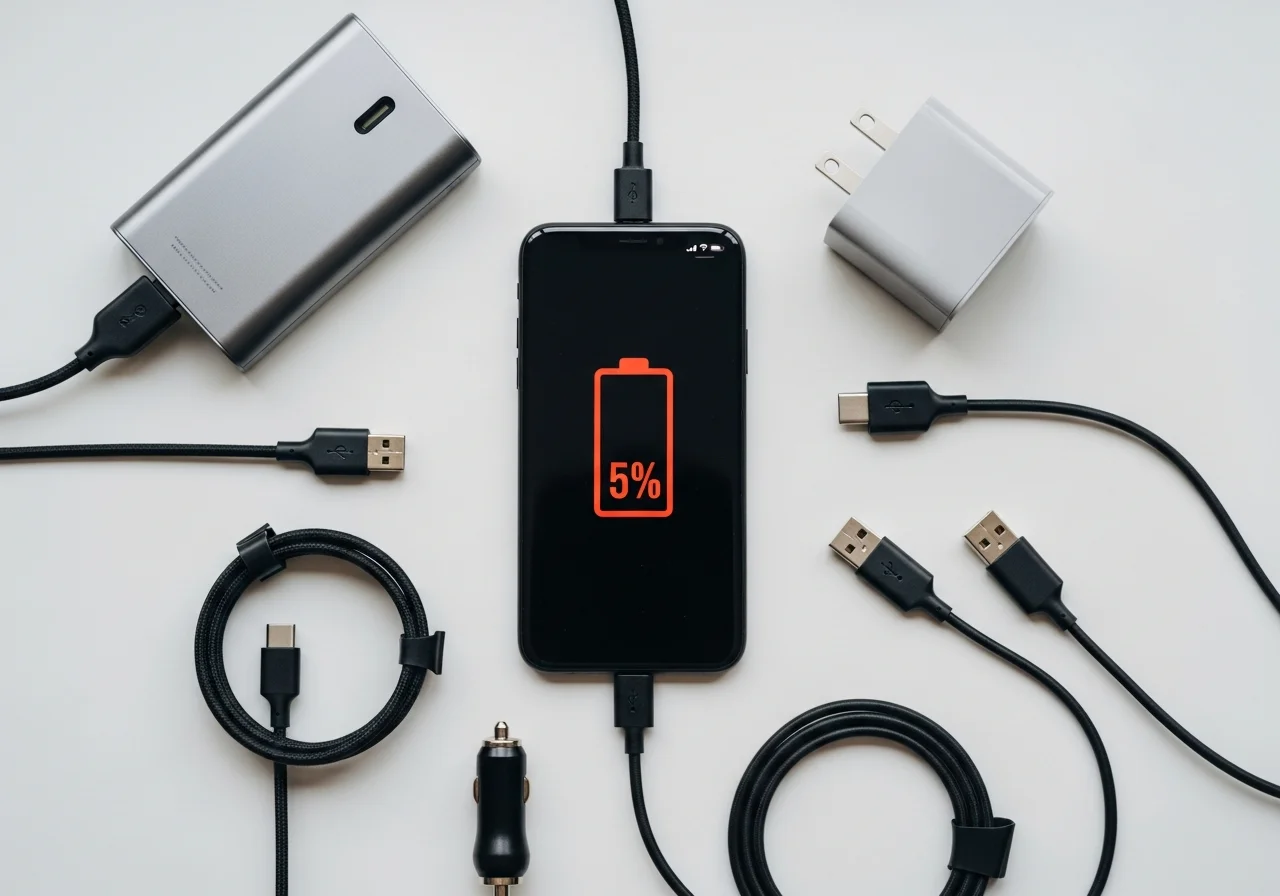
Phone Charger Tips To Avoid Dead Battery On Arrival
Nothing disrupts travel plans, important meetings, or daily routines quite like arriving at your destination only to discover your phone battery has completely drained. Whether you’re stepping off a long flight, arriving at a crucial business presentation, or meeting friends across town, a dead phone creates unnecessary stress and disconnection from the world around you. The good news is that with proper planning and smart charging strategies, you can ensure your device maintains adequate power throughout your journey.
Modern smartphones have become essential tools for navigation, communication, entertainment, and productivity. Yet despite advances in battery technology, most devices still struggle to last a full day under heavy use. Understanding how to effectively manage your phone’s power consumption while maximizing charging opportunities can mean the difference between staying connected and being left in the dark. This comprehensive guide will walk you through proven strategies, practical tips, and essential knowledge to keep your phone charged and ready whenever you need it. Check out for more portable charger options.
Understanding Your Phone’s Battery Needs
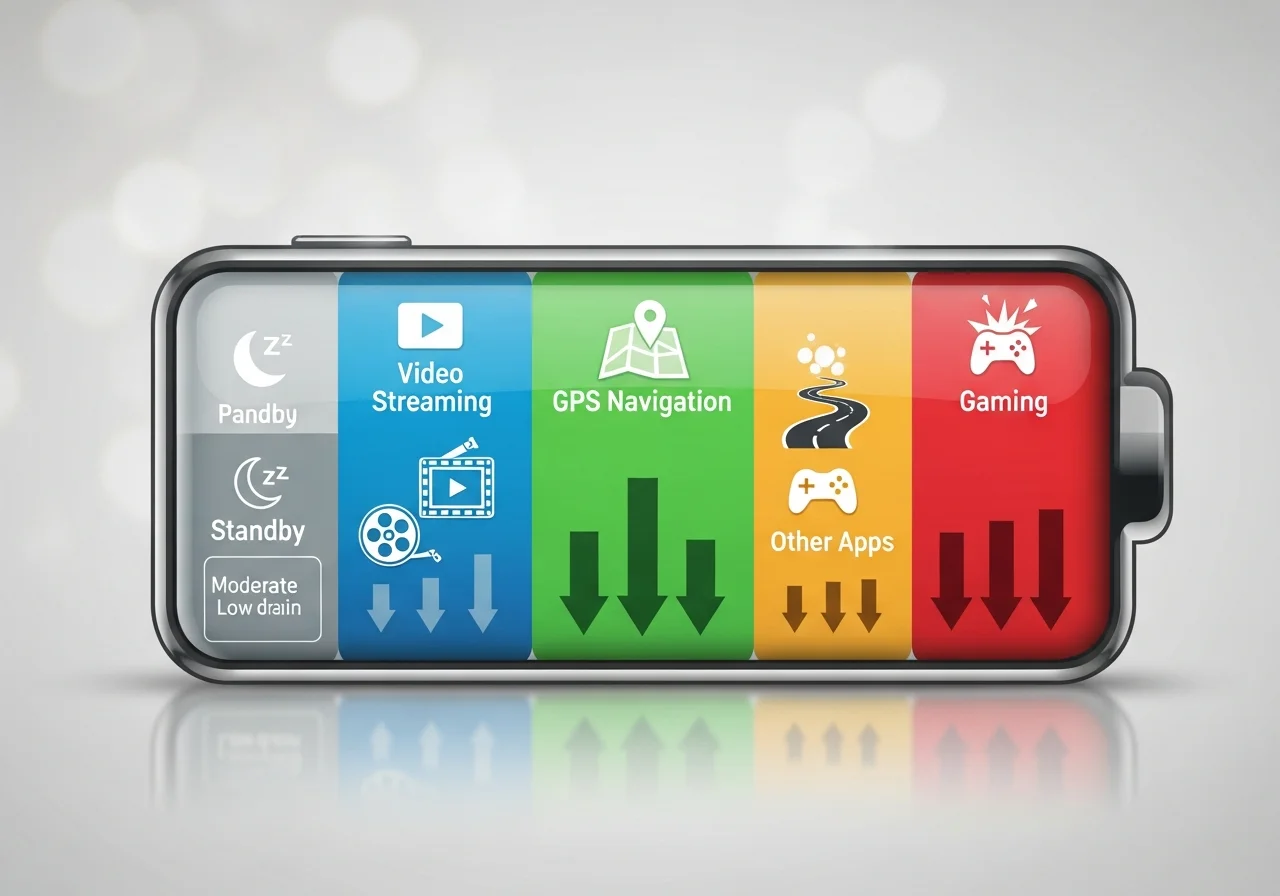
Before implementing charging strategies, it’s important to understand how your smartphone consumes power. Different activities drain battery at varying rates. Streaming video content, using GPS navigation, playing graphics-intensive games, and maintaining multiple active applications simultaneously all accelerate battery depletion. Screen brightness, network connectivity strength, and background app refresh also significantly impact how long your charge lasts.
Most modern smartphones use lithium-ion batteries, which perform optimally when maintained between 20 and 80 percent charge. Consistently allowing your battery to drop to zero or keeping it plugged in at 100 percent can gradually reduce overall battery health over time. Recognizing your typical usage patterns helps you anticipate when you’ll need to charge and plan accordingly.
Choosing the Right Phone Charger for Your Needs
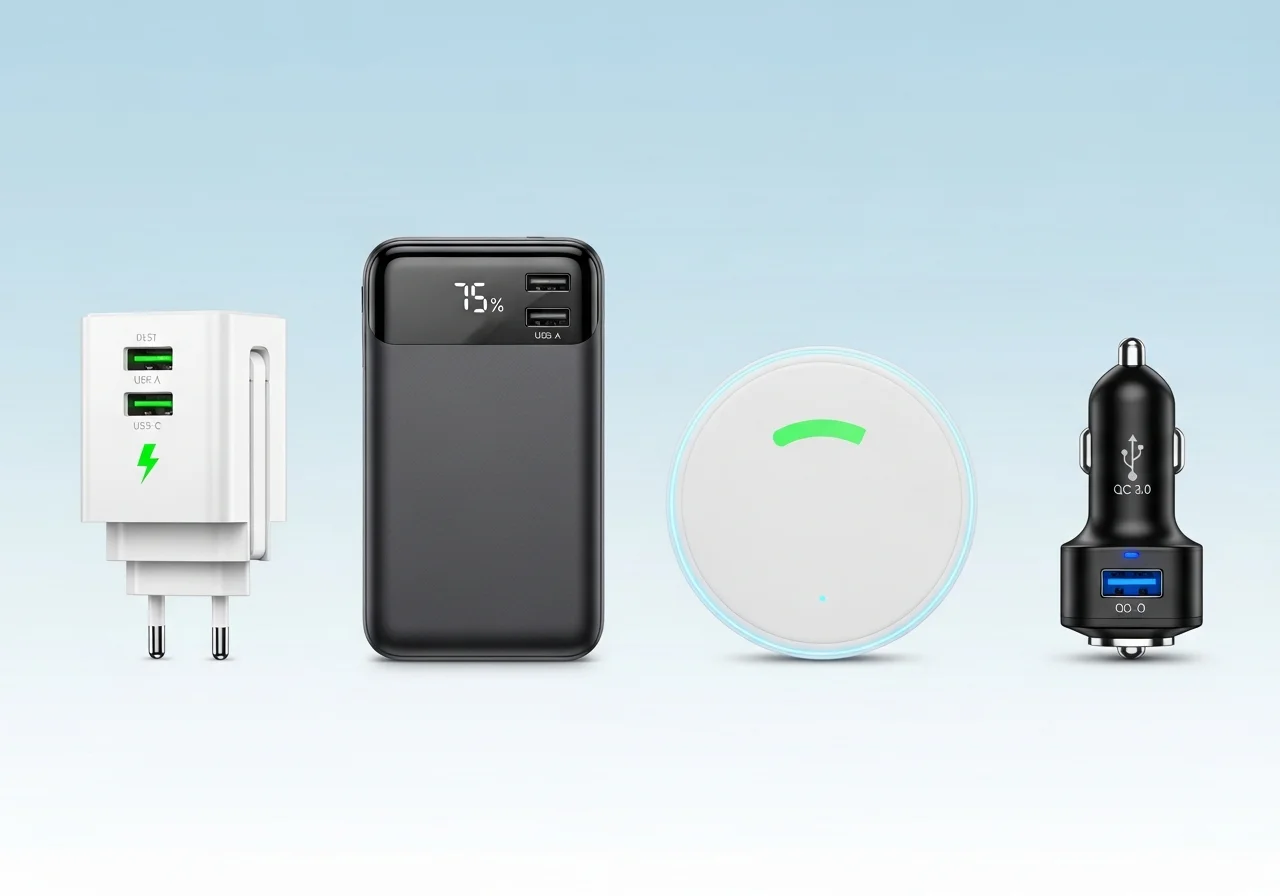
Not all phone chargers deliver the same performance. The market offers various options, each suited to different situations and requirements. Standard wall chargers typically provide reliable power when you have access to electrical outlets. These units vary in output, with some delivering basic 5-watt charging while others offer fast-charging capabilities at 18 watts or higher.
Fast charging technology has revolutionized how quickly we can replenish battery life. Compatible devices can regain significant charge in just 30 minutes when paired with appropriate fast-charging adapters. However, not all phones support every fast-charging standard, so verify compatibility before investing in premium charging equipment.
Portable power banks have become indispensable for people who spend extended periods away from wall outlets. These battery packs range from compact units that provide a single full charge to robust models capable of recharging multiple devices several times. When selecting a power bank, consider capacity measured in milliampere-hours, physical size, weight, and whether it supports fast charging protocols your phone uses.
Car chargers offer convenient charging during commutes and road trips. Quality car chargers provide stable power output and include safety features to prevent damage from voltage fluctuations. Dual-port car chargers allow simultaneous charging of multiple devices, making them ideal for families or people who carry both phones and tablets.
Wireless charging pads eliminate cable clutter and offer convenient drop-and-charge functionality. While generally slower than wired charging, wireless options work well for overnight charging or desktop use during work hours. Ensure your phone supports wireless charging standards before purchasing these accessories.
Pre-Trip Charging Preparation
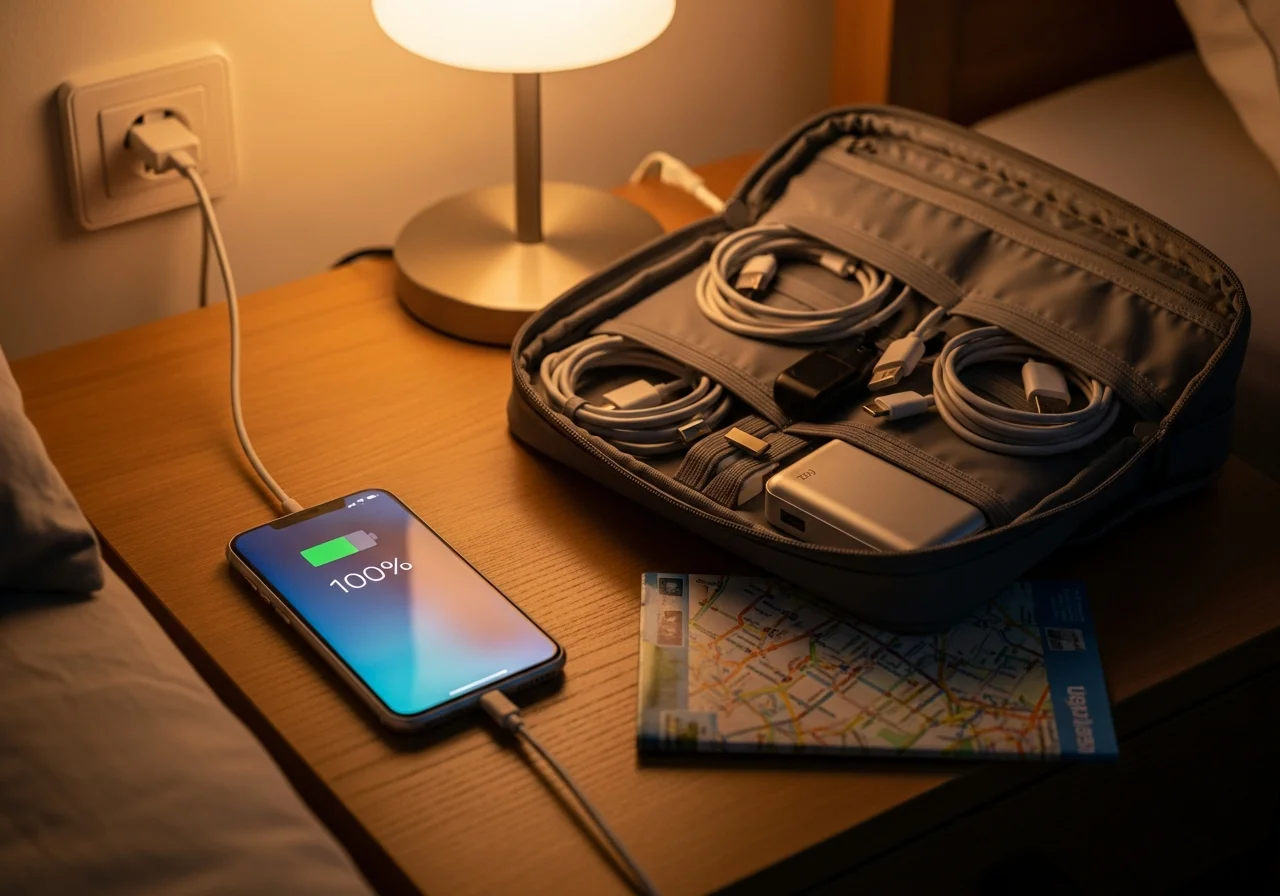
Successful battery management begins before you leave home. Start your journey with a full charge whenever possible. If you know you’ll face a long day ahead, charge your phone to 100 percent the night before or during your morning routine. This simple habit provides maximum available power to work with throughout your day.
Assess your planned activities and their power demands. A day of heavy navigation use, video streaming, or photography will drain batteries much faster than light texting and occasional browsing. Understanding your usage helps you pack appropriate charging solutions and plan charging stops.
Test all your charging equipment before departure. Verify that cables aren’t frayed or damaged, chargers work properly, and power banks hold adequate charge. Nothing is more frustrating than discovering your backup charging solution has failed when you need it most. Keep your charging cables organized and easily accessible in your bag rather than buried at the bottom where they’re difficult to retrieve.
Smart Charging During Travel

Air travel presents unique charging challenges and opportunities. Many airports now offer abundant charging stations throughout terminals. Arrive early enough to top up your battery while waiting for your flight. Window seats near power outlets on planes allow you to charge during long flights, though not all aircraft offer this amenity.
When driving, use car chargers to maintain battery levels during transit. Start charging as soon as you begin your journey rather than waiting until your battery is critically low. This approach ensures you arrive with adequate power even if unexpected delays occur.
For public transportation users, portable power banks become essential. Charge your power bank fully before leaving home, then use it to maintain your phone battery during commutes. Many modern trains and buses also include USB charging ports that you can utilize during longer journeys.
Optimizing Battery Life Between Charges
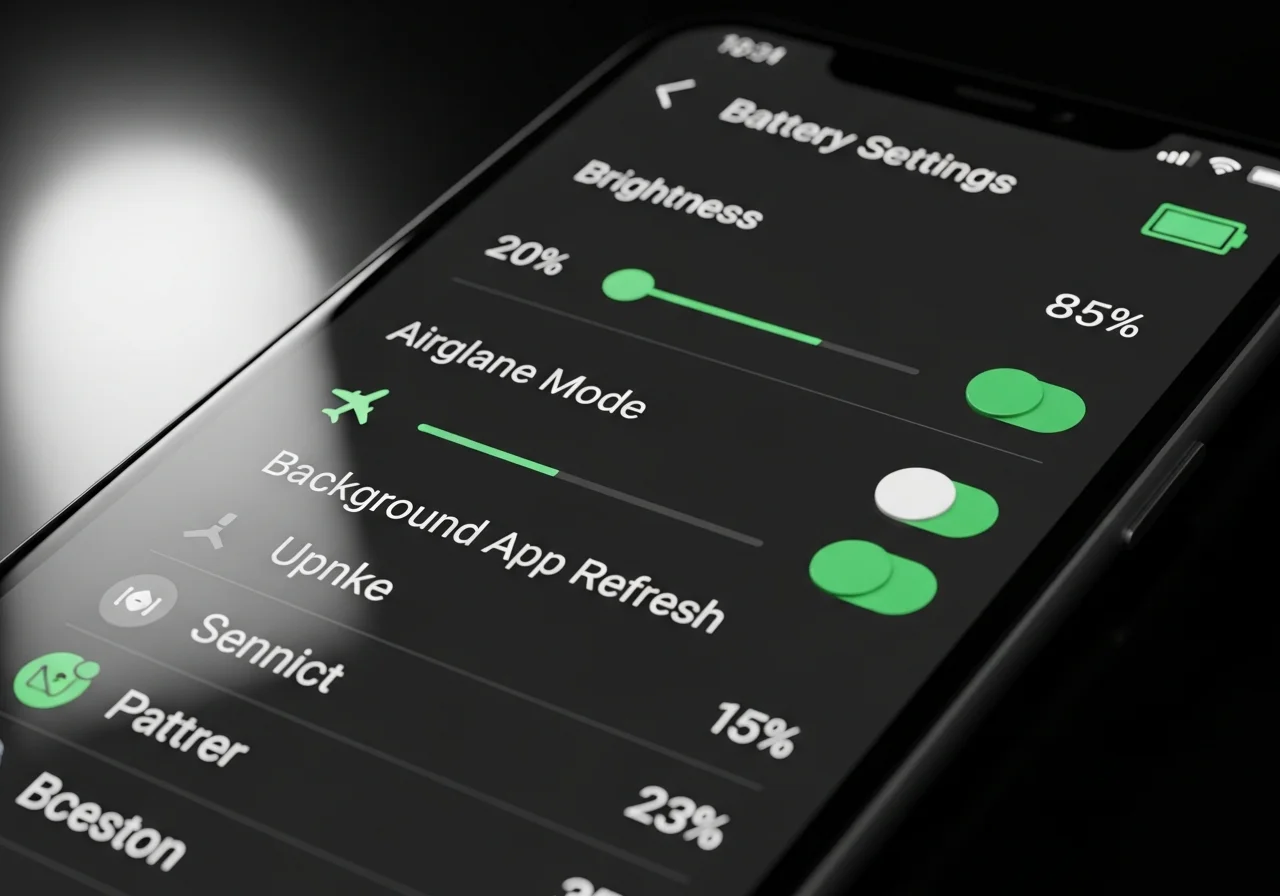
Extending the time between necessary charges reduces dependence on finding power sources. Simple adjustments to phone settings can dramatically improve battery longevity. Reduce screen brightness to the lowest comfortable level, as displays consume significant power. Enable automatic brightness adjustment so your phone adapts to ambient lighting conditions without staying unnecessarily bright.
Disable unnecessary connectivity features when not needed. Turn off Bluetooth if you’re not using wireless accessories. Switch to airplane mode in areas with poor cellular reception, as your phone consumes extra power constantly searching for stronger signals. Use WiFi instead of cellular data when available, as WiFi typically requires less power for data transmission.
Close applications running in the background that you’re not actively using. Many apps continue consuming resources and draining battery even when you haven’t opened them for hours. Review which applications have background refresh enabled and disable this feature for non-essential apps.
Location services significantly impact battery life. Reserve GPS usage for when you actually need navigation rather than allowing numerous apps constant access to your location. Review location permissions and limit them to only apps that genuinely require this information to function properly.
Emergency Charging Solutions
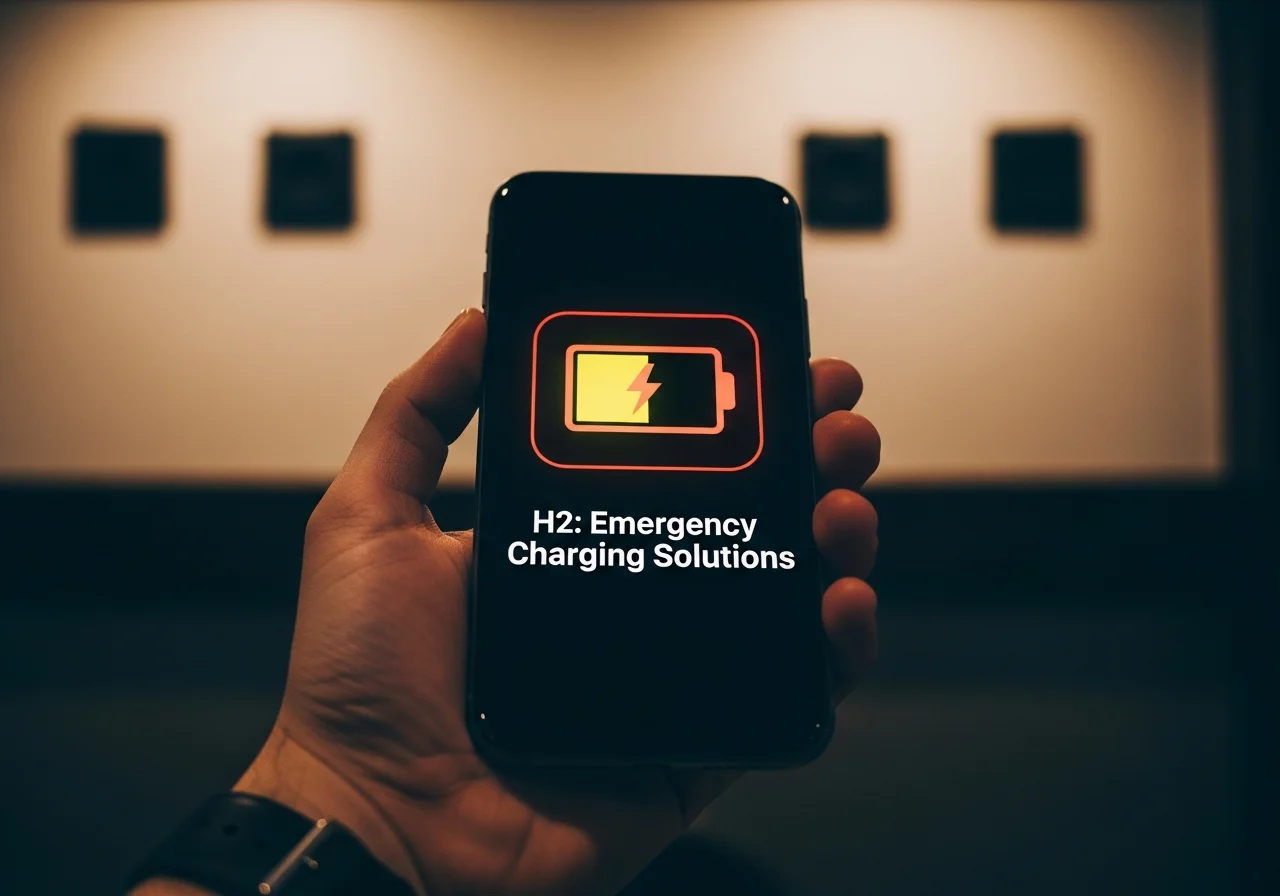
Despite careful planning, situations arise where your battery runs dangerously low without charging options readily available. Enable low power mode, a feature available on most smartphones that reduces background activity, minimizes visual effects, and limits certain functions to extend remaining battery life. This mode can add crucial extra hours when you need them most.
Reduce usage to only essential functions. Limit phone use to critical communications rather than entertainment or casual browsing. Every minute of screen time consumes power that might be needed for an important call or navigation assistance later.
Seek out charging opportunities wherever they appear. Coffee shops, libraries, airports, restaurants, and many retail stores offer power outlets available for public use. When asking to use an outlet, most businesses accommodate this request, especially if you’re a customer.
Consider carrying a charging cable with multiple connector types. Universal cables with Lightning, USB-C, and micro-USB options ensure compatibility with charging ports you might encounter. Some public spaces offer charging stations with built-in cables, but having your own provides more flexibility.
Maintaining Optimal Battery Health Long Term

Proper charging habits preserve battery capacity over your phone’s lifetime. Avoid letting your battery completely drain regularly, as deep discharges stress lithium-ion batteries. Similarly, you don’t need to always charge to 100 percent. Maintaining charge between 20 and 80 percent promotes better long-term battery health.
Temperature extremes negatively affect battery performance and longevity. Avoid leaving your phone in hot cars or exposing it to freezing temperatures while charging. If your phone becomes notably warm during charging, remove any case that might trap heat and move it to a cooler location.
Use quality charging accessories from reputable manufacturers. While budget options seem appealing, inferior chargers and cables can damage your phone’s battery or charging port. Certified accessories meet safety standards and provide reliable performance that protects your investment.
Update your phone’s operating system regularly. Manufacturers frequently release updates that include battery optimization improvements. These updates help your device manage power more efficiently and can noticeably extend battery life between charges. Check out complete guidance on battery and its performance.
Portable Power Bank Strategies

Maximizing portable charger effectiveness requires understanding capacity and output specifications. Battery capacity measured in milliampere-hours indicates how much charge the power bank stores. A 10,000 mAh power bank typically provides about two full charges for most smartphones, while 20,000 mAh units offer four or more charges.
Output amperage determines charging speed. Power banks with 2.1 amp or higher outputs charge phones faster than those limited to 1 amp. If your phone supports fast charging, invest in a power bank with compatible fast-charging protocols to minimize charging time.
Keep your power bank charged and ready. Develop a routine of recharging your portable battery after each use rather than waiting until you need it again. Power banks slowly self-discharge when sitting unused, so refresh their charge every few months even if you haven’t used them.
Carry appropriately sized power banks for your needs. Compact 5,000 mAh units easily fit in pockets for everyday carry, while larger capacity models work better for camping trips or full days away from electricity. Match your power bank to your typical usage rather than always carrying the largest, heaviest option.
Public Charging Station Safety
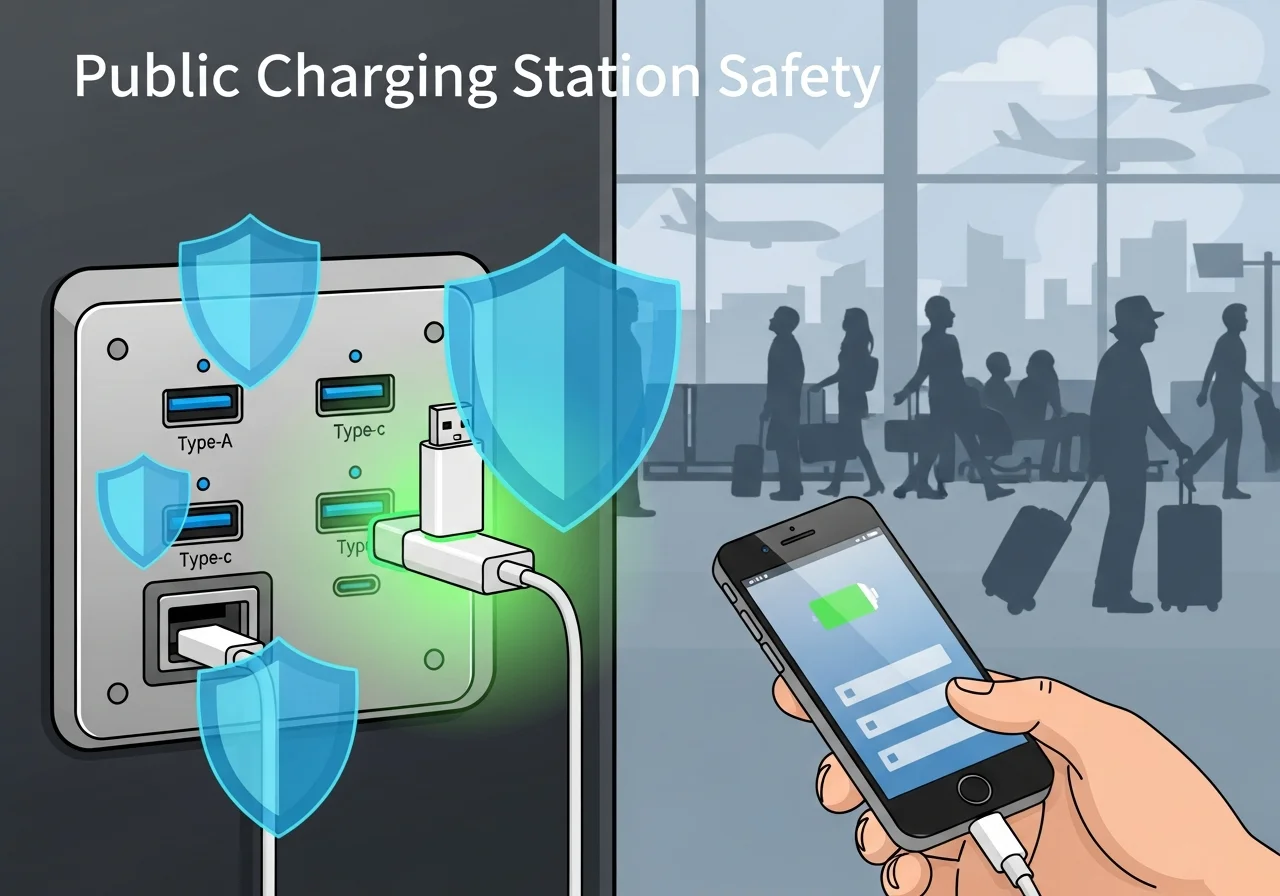
While public charging stations provide convenient power sources, they also present security risks. Juice jacking, a technique where malicious actors install data-stealing software in public USB ports, has become increasingly concerning. Protect yourself by using charging-only cables that lack data transfer capability or by using a portable power adapter that plugs into standard wall outlets rather than USB ports.
Avoid using unknown charging cables attached to public stations. These cables might be compromised or designed to enable unauthorized data access. Always use your own trusted cables with public charging infrastructure when possible.
Consider using USB data blockers, small adapters that allow power transfer while blocking data connections. These inexpensive devices provide peace of mind when using public charging ports in airports, hotels, or other shared spaces.
Multi-Device Charging Considerations
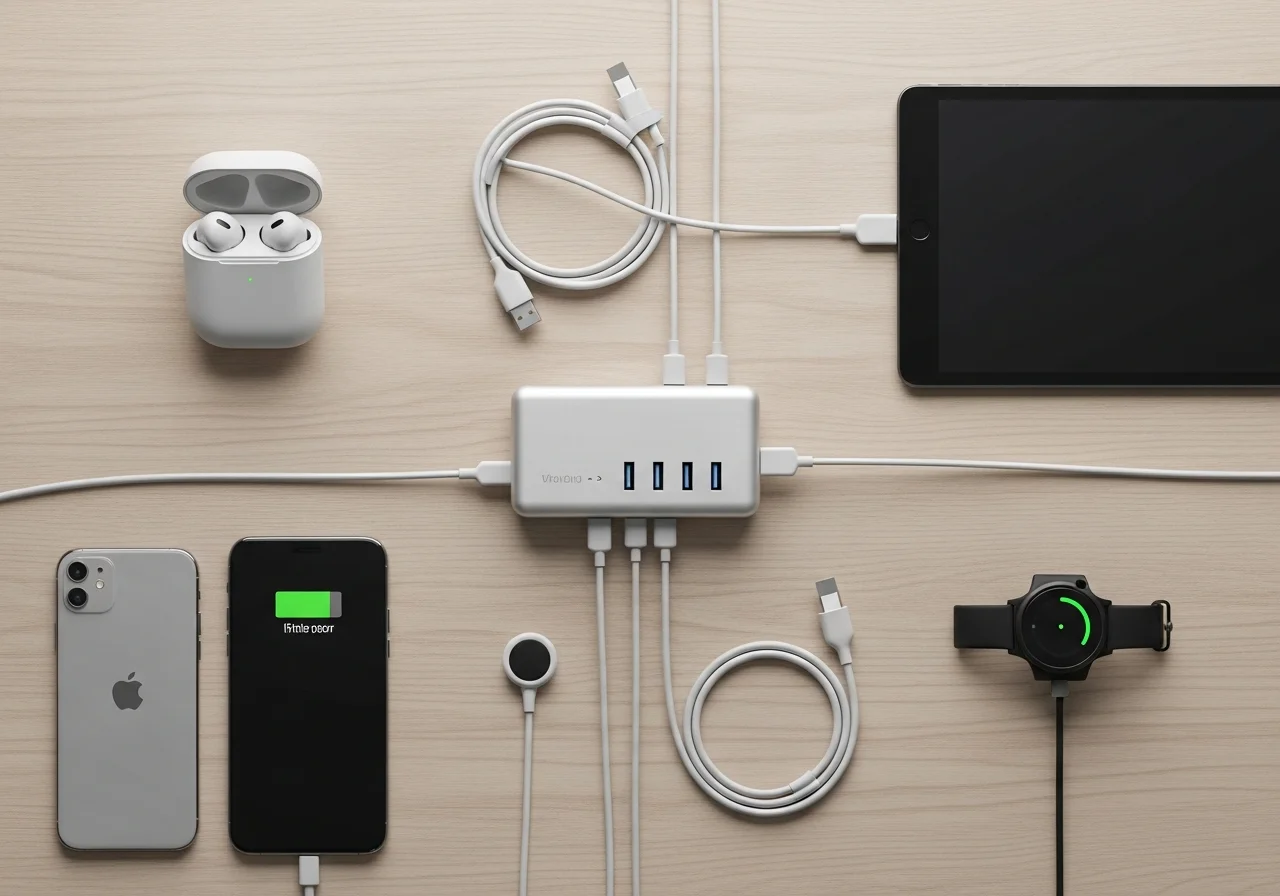
Many people travel with multiple devices requiring charging. Smartphones, tablets, wireless earbuds, smartwatches, and laptops all compete for limited charging resources. Plan your charging strategy to accommodate all devices without overwhelming available power sources.
Multi-port wall chargers allow simultaneous charging of several devices from a single outlet. These units efficiently use available electrical access points and reduce the number of individual chargers you need to pack. Look for models with sufficient total power output to charge all connected devices at reasonable speeds.
Prioritize which devices need charging most urgently. If you can only charge one device at a time, ensure your phone receives power first since it typically serves the most critical functions. Secondary devices like tablets or wireless earbuds can charge during periods when your phone has adequate battery.
Seasonal Charging Challenges
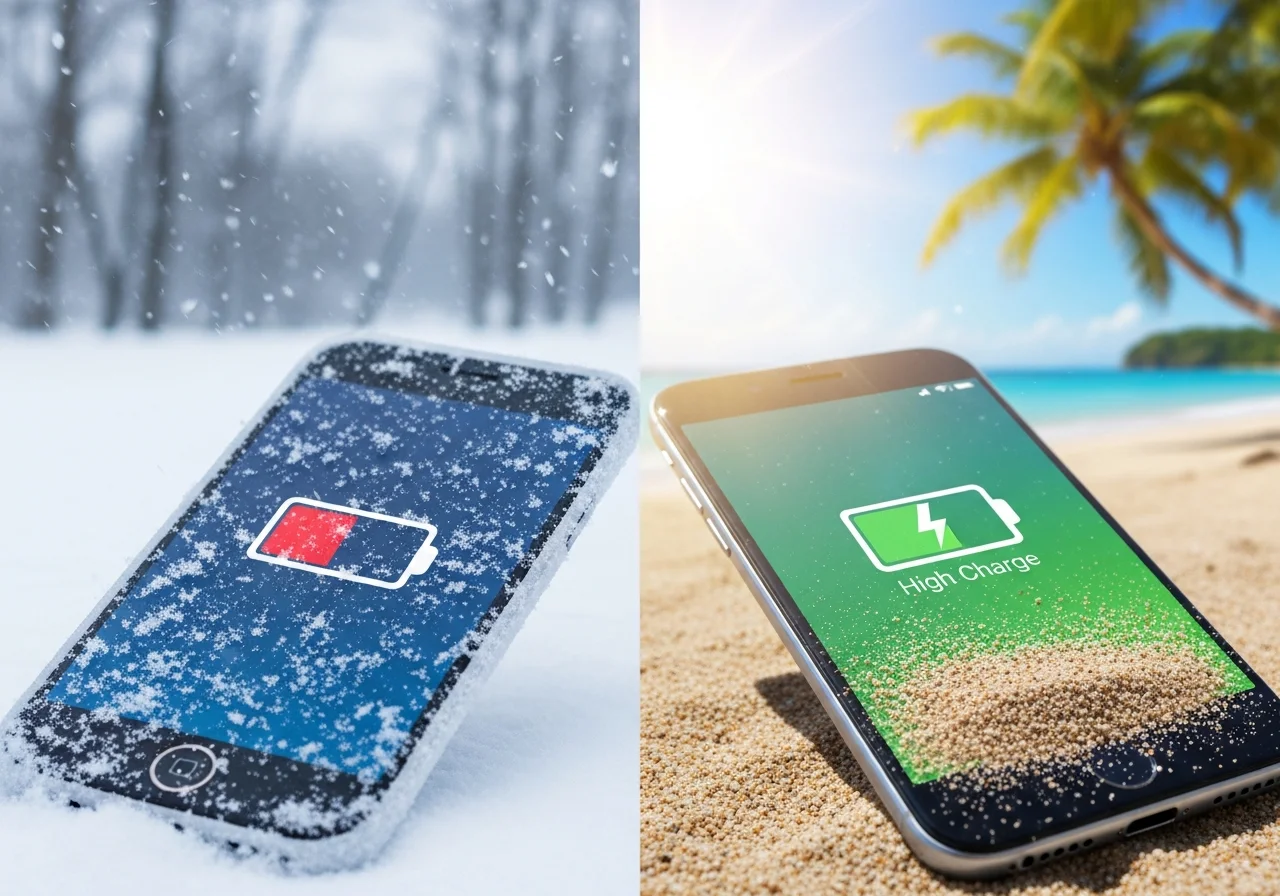
Cold weather significantly reduces battery performance. Lithium-ion batteries lose capacity in freezing temperatures, causing faster drain and slower charging. Keep your phone close to your body in inside pockets during winter rather than exposed in outer pockets. Warm your phone to room temperature before attempting to charge it if it has been exposed to extreme cold.
Hot summer temperatures also stress batteries. Avoid leaving phones in direct sunlight or hot vehicles where temperatures can damage battery chemistry. If your phone becomes very hot, allow it to cool before charging to prevent further heat buildup that could harm the battery.
Humidity in tropical climates or rainy seasons can affect charging ports. Ensure ports are completely dry before connecting cables. Moisture in charging ports can cause charging failures or even damage your device. Use compressed air or allow adequate drying time if your phone has been exposed to water.
Professional and Business Travel Considerations
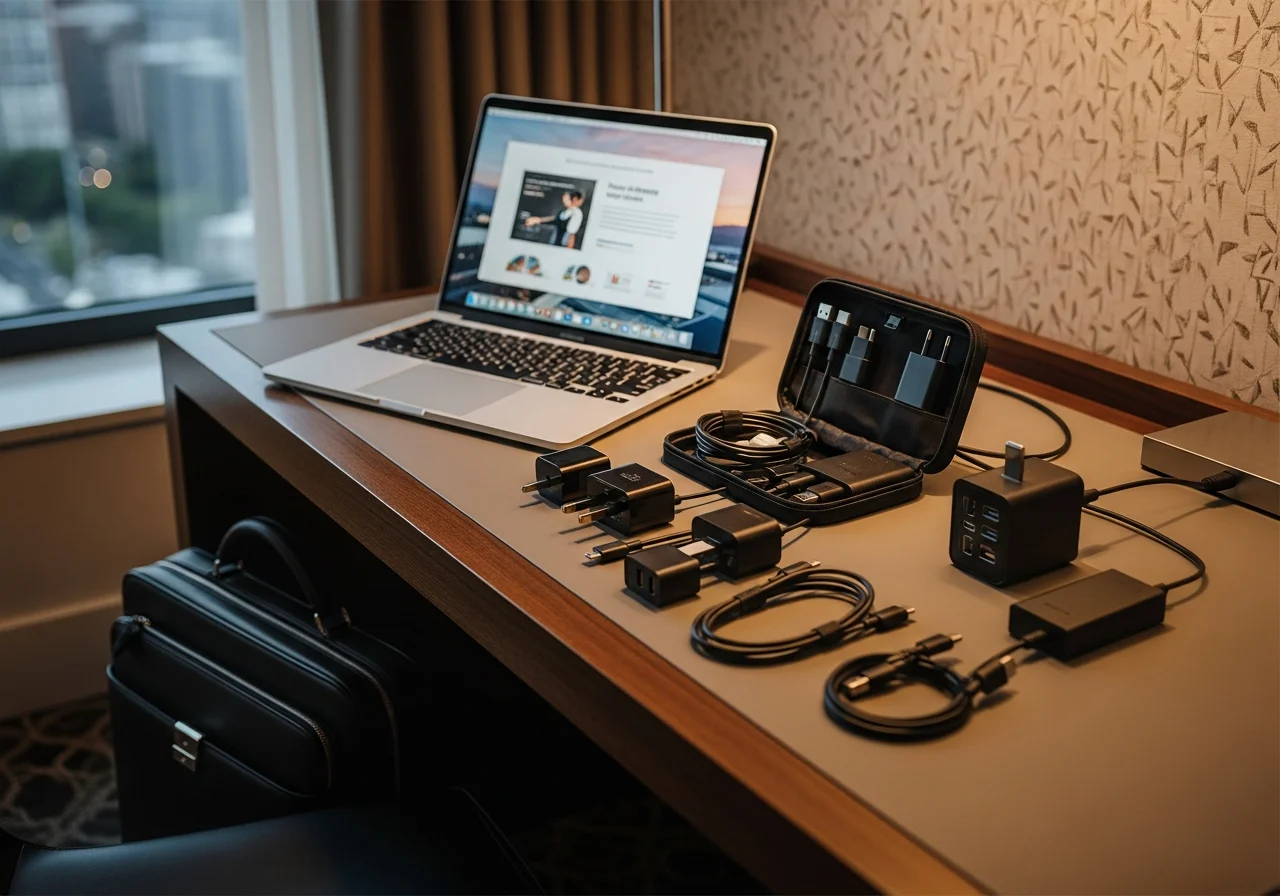
Business travelers face unique charging challenges due to packed schedules and high device usage. Conference rooms, airport lounges, and hotel rooms provide charging opportunities, but relying solely on these locations can leave you vulnerable to dead batteries during crucial meetings or presentations.
Pack a compact charging kit specifically for business travel. Include a fast-charging wall adapter, a reliable cable, and a moderate-capacity power bank. This combination handles most situations without adding significant weight or bulk to your luggage.
Schedule charging time into your itinerary. Use flight time, meal breaks, and evening downtime to replenish battery power. Treating charging as a scheduled task rather than an afterthought ensures you’re never caught unprepared.
International travelers should carry universal power adapters compatible with electrical systems in destination countries. These adapters allow you to charge devices regardless of local outlet configurations, eliminating the panic of arriving somewhere without appropriate charging capability.
Conclusion
Arriving at your destination with a dead phone battery is an entirely preventable inconvenience. By understanding your device’s power consumption patterns, choosing appropriate charging solutions, and implementing smart battery management strategies, you can ensure reliable connectivity throughout your journeys. Whether you’re traveling across continents or simply commuting across town, proper charging preparation keeps you connected, productive, and stress-free.
The combination of pre-trip planning, quality charging equipment, power-saving techniques, and backup solutions creates a comprehensive approach to battery management. Start implementing these strategies today, and you’ll quickly discover that dead battery anxiety becomes a thing of the past. Your phone will be ready whenever you need it, allowing you to focus on your activities rather than constantly worrying about finding the next available outlet.
Frequently Asked Questions
How long does it take to fully charge a phone?
Charging time depends on your phone’s battery capacity and charger output. With a standard 5-watt charger, most phones require 2 to 3 hours for a full charge. Fast chargers delivering 18 watts or more can fully charge compatible phones in approximately 1 to 1.5 hours. Larger battery capacities naturally require more time than smaller batteries.
Is it bad to charge your phone overnight?
Modern smartphones include charging management systems that prevent overcharging damage. Once your battery reaches 100 percent, the phone stops drawing power or switches to trickle charging. However, keeping batteries at 100 percent for extended periods can gradually reduce long-term capacity. Overnight charging is generally safe but not optimal for maximizing battery lifespan.
How many times can I charge my phone with a 10000mAh power bank?
A 10,000 mAh power bank typically provides approximately 2 full charges for most smartphones. Actual performance varies based on your phone’s battery capacity, power bank efficiency, and charging cable quality. Some energy is lost during the charging process, so the effective capacity is usually about 65 to 70 percent of the stated rating.
Can I use my phone while it’s charging?
Yes, you can safely use your phone while charging. However, intensive activities like gaming or video streaming generate heat that, combined with charging heat, can stress the battery. Light usage like messaging or browsing poses no concerns. If your phone becomes uncomfortably warm during use while charging, reduce usage intensity or pause charging temporarily.
Do wireless chargers damage phone batteries?
Wireless charging does not inherently damage batteries when using quality chargers designed for your phone. Wireless charging generates slightly more heat than wired charging, but modern phones manage this effectively. The convenience of wireless charging often outweighs the minimal efficiency difference compared to wired options. Use certified wireless chargers from reputable manufacturers for best results.






One Comment